
同思空間設計以共識,共感為基礎,不拘於造型形式,像瞇著眼的解構元素材質,探索使用者生活形態和思考模式;再像仰望星空般將各元素安排建構,導入生活經驗而成實用和諧的空間。
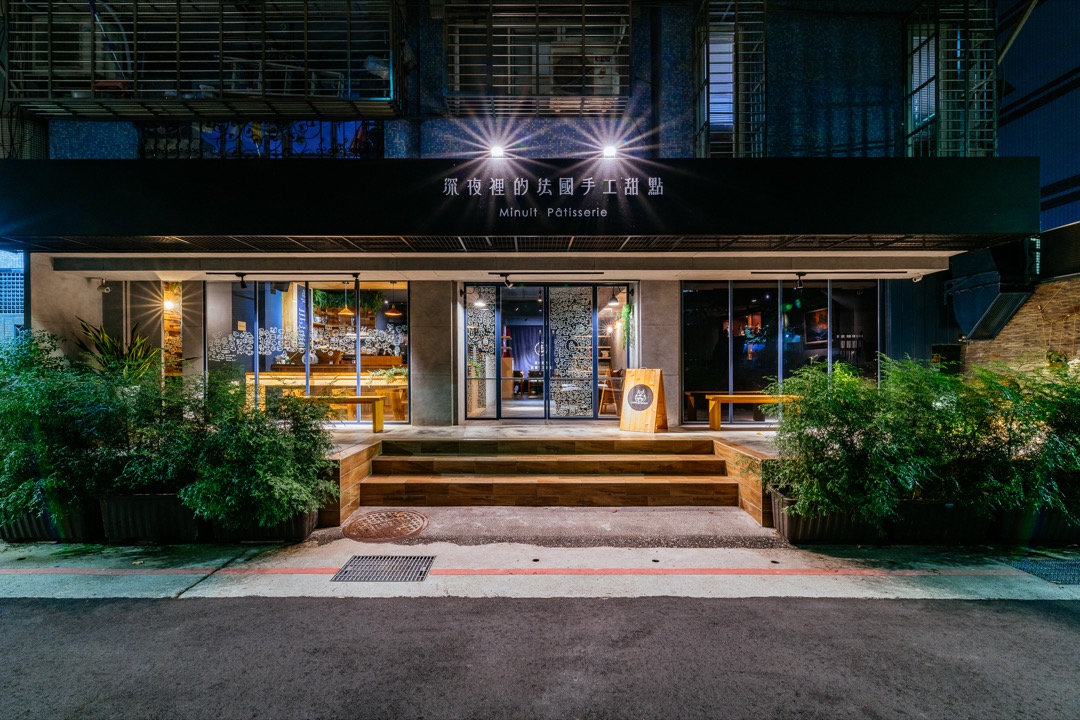
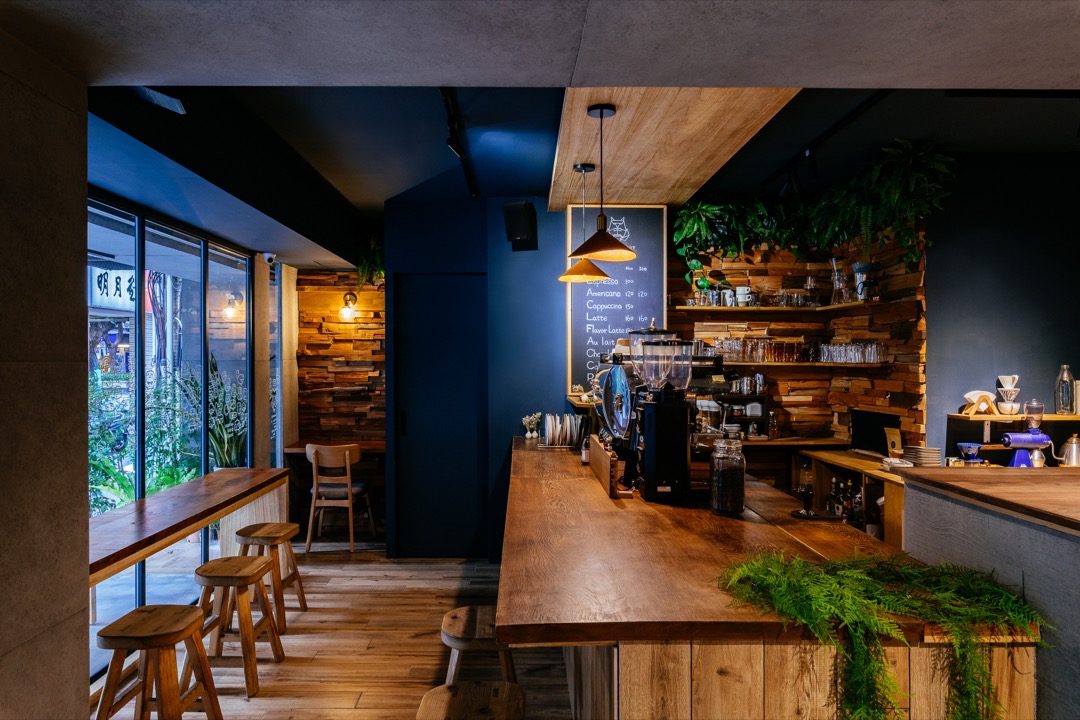
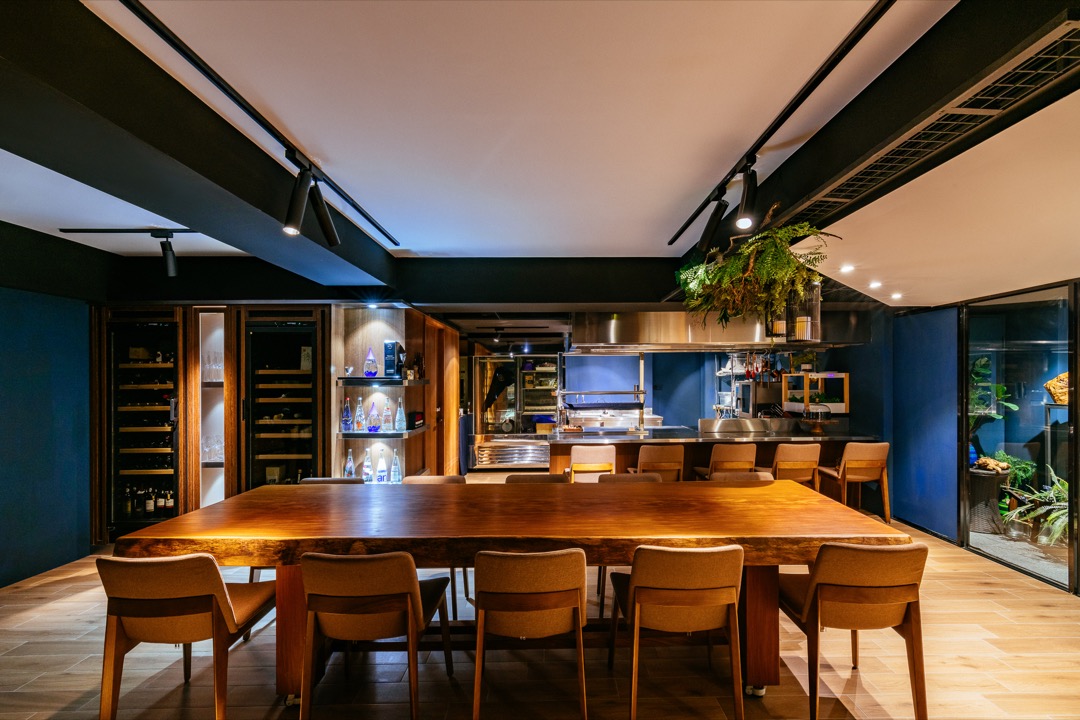
2021美國MUSE DESIGN AWARD設計大獎獲獎


Block patterns are pre-designed groups of blocks. To add one, select the Add Block button [+] in the toolbar at the top of the editor. Switch to the Patterns tab underneath the search bar, and choose a pattern.
Twenty Twenty-One includes stylish borders for your content. With an Image block selected, open the "Styles" panel within the Editor sidebar. Select the "Frame" block style to activate it.
Twenty Twenty-One also includes an overlap style for column blocks. With a Columns block selected, open the "Styles" panel within the Editor sidebar. Choose the "Overlap" block style to try it out.
